Try all features free for 30 days. No subscription or automatic charge.
iOS / iPadOS 18 or later · English & Japanese
Pick your videos. Start your screening.
Little moments, played together
The laughter. The waves. Take yourself back.
Everyday family moments
A child's first words, laughter around the table. Pick the little clips you saved and settle in to watch them together.
A trip worth revisiting
Filter by the dates of your trip and play oldest first. Follow the memories with the sounds and conversations you recorded.
Three steps to a screening
Choose your clips. Set the order. Press play.
Choose dates and videos
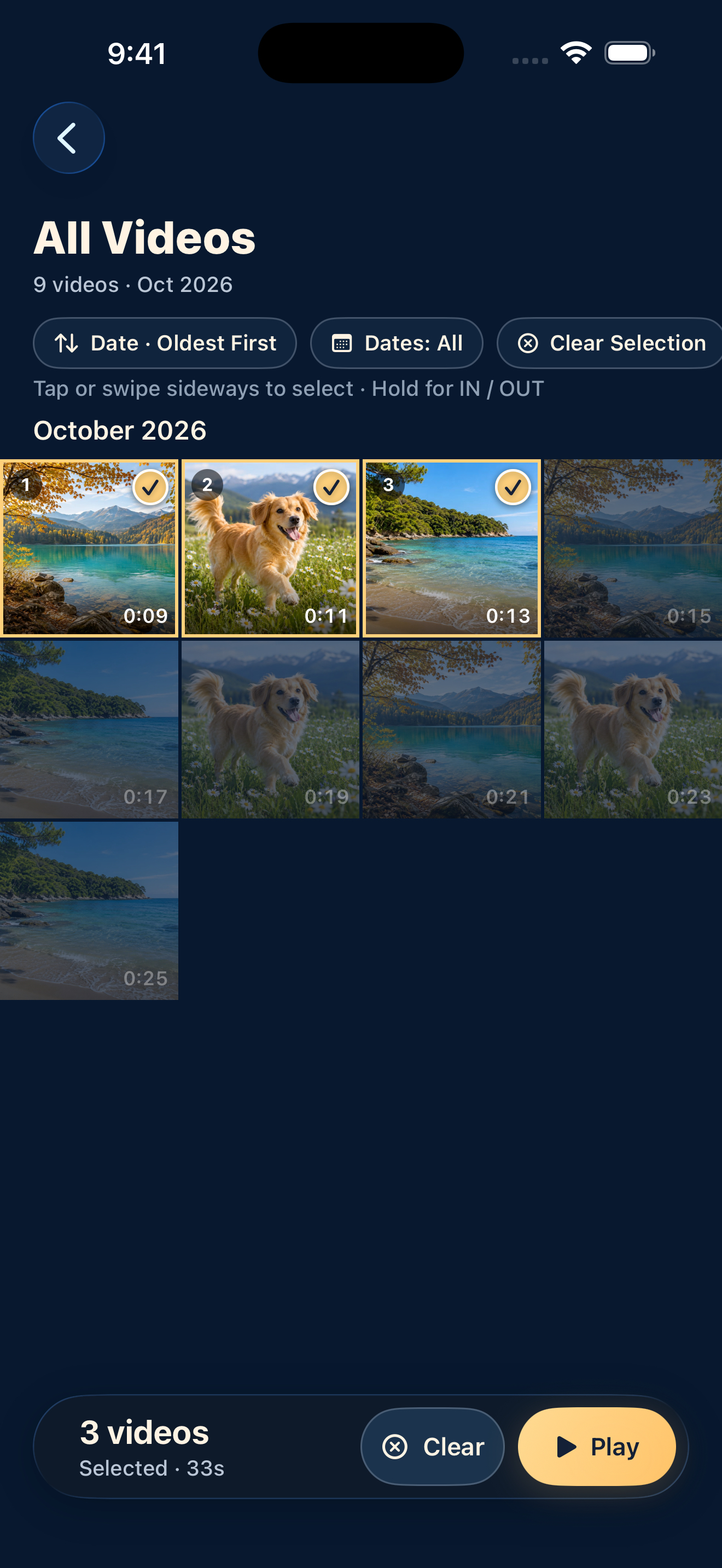
Allow photo-library access and open an album. Filter by date, or tap and drag sideways to select videos. With no selection, all videos in the current view will play.
Set the playback order
Choose oldest or newest first by recording date. Changing the order during playback starts again from the first video in that order.
Enjoy the original sound
Tap Play to watch your videos back to back. There is no editing or export to prepare.
Try it, then decide
30 days free. A one-time unlock after that.
Use all features for 30 days. To keep using video features afterward, choose a one-time purchase. The price is ¥100 in the Japanese App Store; check the price in the app for other countries and regions.
No subscription or automatic charge. Your original videos stay in your library when the trial ends.
Ouchi Theater lets you filter your photo-library videos by date, choose the clips you want, and play them continuously in recording-date order, with their recorded audio.
Can I edit or export videos?
There are no editing or export features. The app reads and plays your library videos without editing or deleting the originals.
Are my videos uploaded?
The app has no feature that sends videos, audio, or photo-library information to a developer-operated server, and includes no ads. Videos in iCloud Photos or shared albums may need to download through Apple's services.
Will I be charged when the trial ends?
No automatic charge is made. If you want to continue, you choose the one-time purchase yourself.
 Ouchi Theater